How to Gain Hours in Multiple Steam Games at Once
Updated
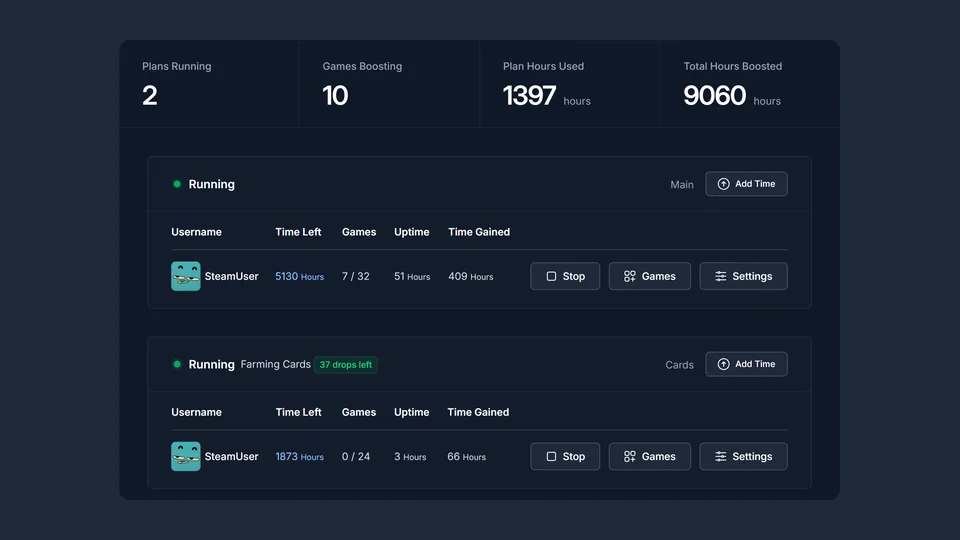
When you launch a game normally, Steam counts playtime for that one game. But Steam itself allows an account to be "in-game" in up to 32 games at the same time, and every one of them gains playtime. Here is how to use that to build hours across your library.
Why you can't just open 32 games
In theory you could launch several games at once yourself, but in practice that means running several full games on your PC at the same time. That uses a lot of memory and power, most games don't like it, and you can't use your PC for anything else. It is also not possible for games that only allow one instance.
How hour boosting gets around it
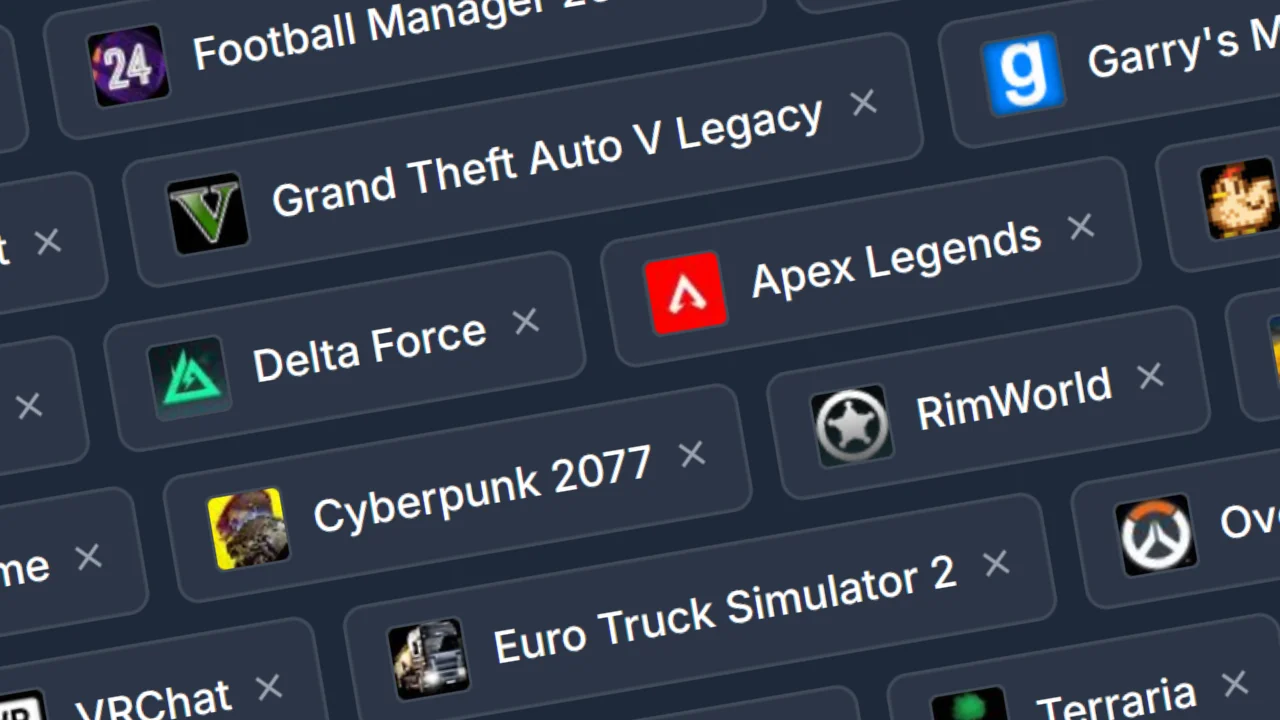
An hour booster doesn't run the games at all. It tells Steam which games you are playing, the same way the Steam client does, and Steam counts the playtime for each of them. That makes it possible to collect playtime in many games at once without any load on your computer.
Playtime is counted per game. If you boost 10 games for 24 hours, each of those games gets 24 hours, for 240 hours in total across your profile.
How to boost multiple games with FreeHourBoost
- Sign up for free and add your Steam account.
- Pick the games you want to boost. The number of games depends on your plan, from 1 game on the Free plan up to 32 games on Ultimate and Lifetime.
- Start the plan. All selected games start gaining hours at the same time, 24/7.
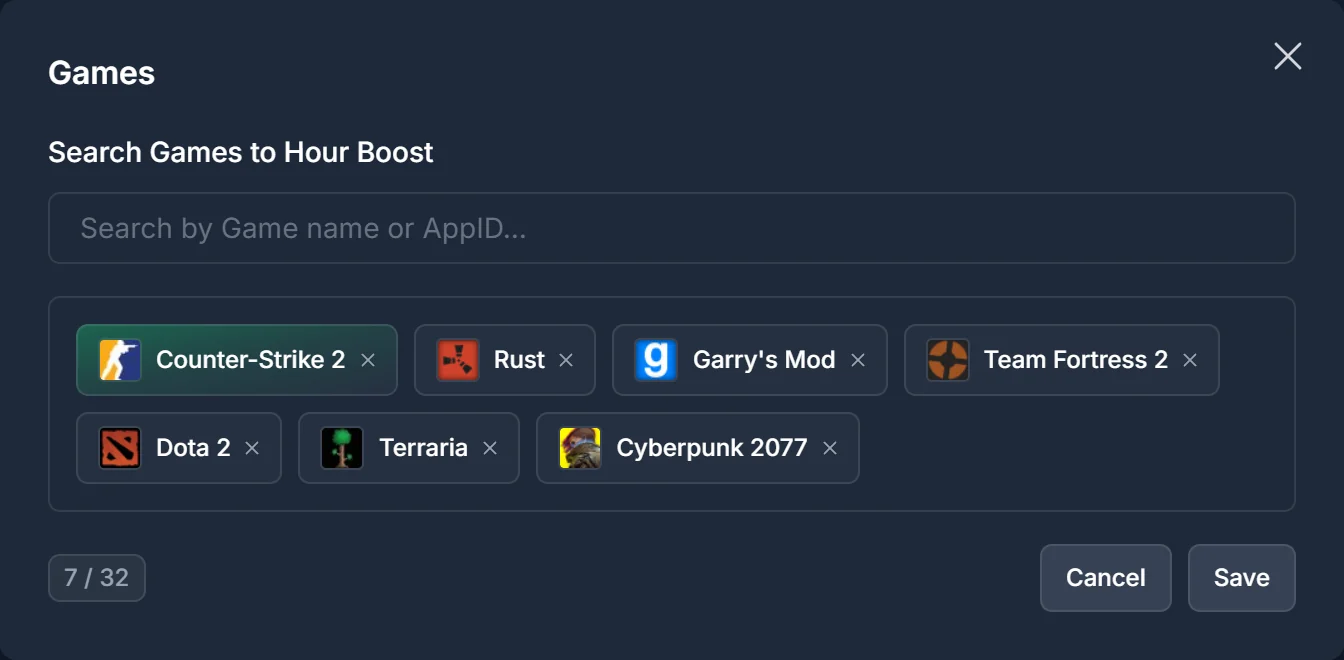
Plan time only goes down while your plan is running, and adding more games does not use up your time faster. A plan with 600 hours gives you 600 hours of boosting, whether you boost 1 game or 6.
How many games does each plan allow?
- Free: 1 game, 100 hours (renewable)
- Basic: 6 games, 600 hours
- Plus: 12 games, 1200 hours
- Premium: 24 games, 2400 hours
- Ultimate: 32 games, 6000 hours
- Lifetime: 32 games, unlimited hours
See the pricing page for current prices, or use the Steam Hours Calculator to see how long your target takes.
Good to know
- Playing a game yourself on the same account pauses boosting, because Steam only allows one active session. The Auto-Restarter resumes boosting when you stop playing.
- 32 is Steam's own limit, so no service can boost more than 32 games on one account at the same time.