How to Farm Steam Trading Card Drops
Updated
Many Steam games come with a set of trading cards. You get some of them for free just by playing, and you can sell them on the Steam Community Market, trade them, or collect a full set to craft a badge and level up your Steam profile. Here is how card drops work and how to collect all of them without sitting in each game for hours.
How Steam card drops work
- Each game with trading cards has a fixed number of card drops you can earn by playing. It is usually about half of the full set, so you will need to trade or buy the rest to craft a badge.
- Cards drop over time while Steam sees you playing that game.
- Drops are only available for games you own. Free-to-play games generally do not drop cards from playtime.
- Once you have received all drops for a game, playing it longer will not give you more.
How to check how many card drops you have left
- Open your Steam profile and click Badges.
- Each game with cards shows a line like "3 card drops remaining".
- Games that say "No card drops remaining" are done.
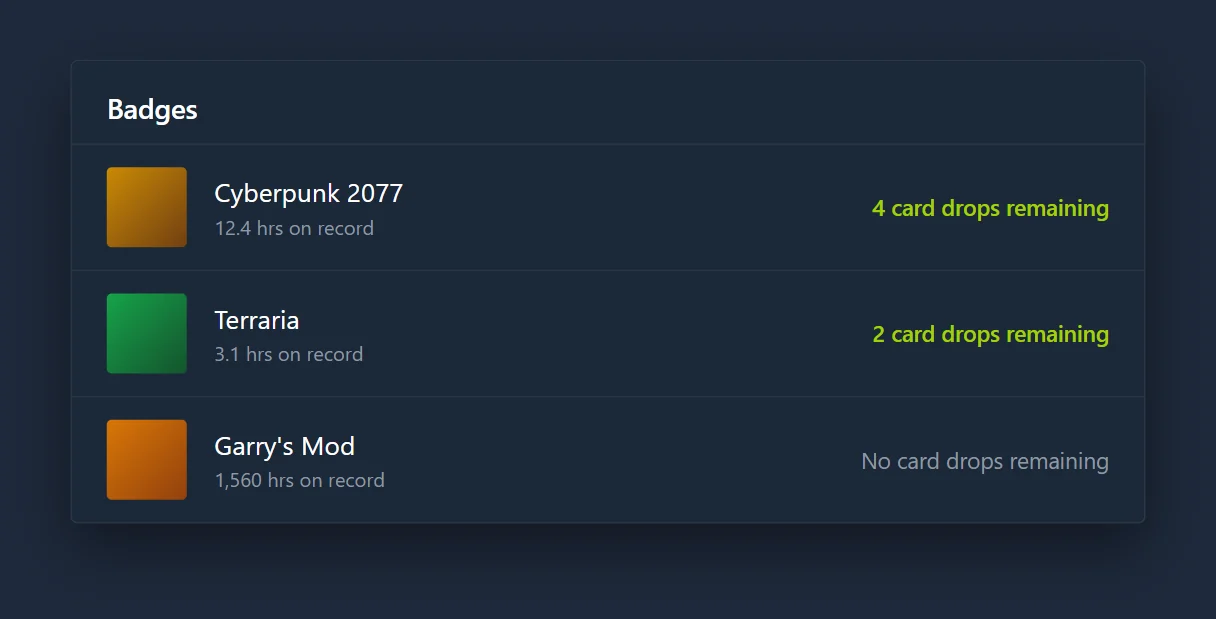
You can also use the filter on the Badges page to sort by "Drops remaining" and see all games that still have cards to collect.
Farming cards manually
You can farm cards by launching each game and leaving it running until the drops are gone. That works, but it ties up your PC and you have to keep checking the Badges page and switching games. With a big library, that quickly becomes hours of babysitting.
Farming cards automatically with Card Farmer
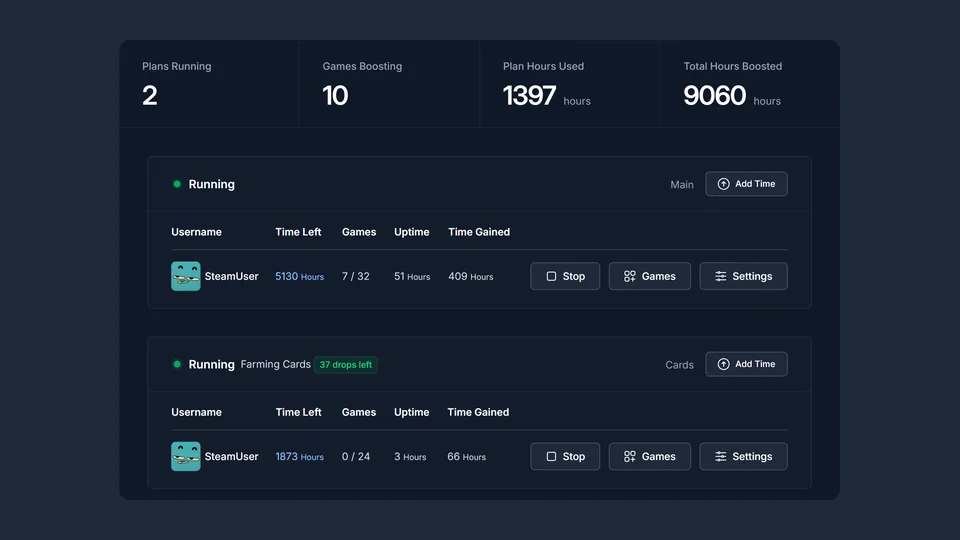
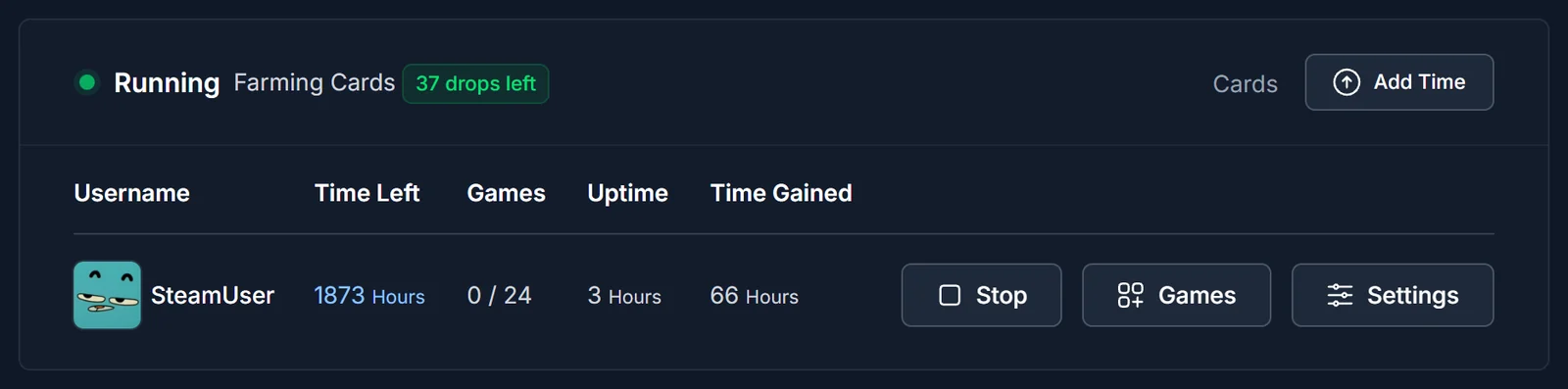
FreeHourBoost's Card Farmer does the whole process for you, in the cloud:
- It reads your Badges page to find every game with card drops remaining.
- It idles up to 32 of those games at the same time to build up playtime on them.
- It then cycles through the games to trigger the drops, and checks your badges regularly to see what is left.
- Games that run out of drops are removed, and new ones are added, until all your card drops are collected.
Because it runs on our servers, your PC can be off the whole time.
How to set it up
- Create an account and add your Steam account to a Plus plan or higher. Card Farmer is included on Plus, Premium, Ultimate and Lifetime.
- Enable Card Farmer in the plan settings.
- Optionally turn on Resume normal hour boosting when card drops are done, so the plan goes back to boosting your selected games once every drop is collected.
- Start the plan and check your Steam inventory as cards come in.

Tips
- New games bought during a Steam sale are a good time to farm: their cards are often worth the most right after release or a sale.
- Sell duplicates on the Community Market, or keep them to craft badges and raise your Steam level.
- Playing a game yourself pauses boosting for that time. With the Auto-Restarter, farming resumes automatically when you close the game.