How to Appear in VR, Big Picture or Mobile Mode on Steam
Updated
Steam shows your friends more than just "online" or "offline". Your status can also show a VR, Big Picture or Mobile icon next to your name. Here is how each status works and how to set it.
The basic statuses: Online, Away, Invisible, Offline
You can change these directly in Steam:
- Open the Friends & Chat window.
- Click the small arrow next to your name.
- Choose Online, Away, Invisible or Offline.
- Online: friends see you as online and can message you.
- Away: you show as away. Steam also sets this automatically after you have been idle for a while.
- Invisible: you appear offline to friends, but you can still see them and chat.
- Offline: you are signed out of friends and chat.
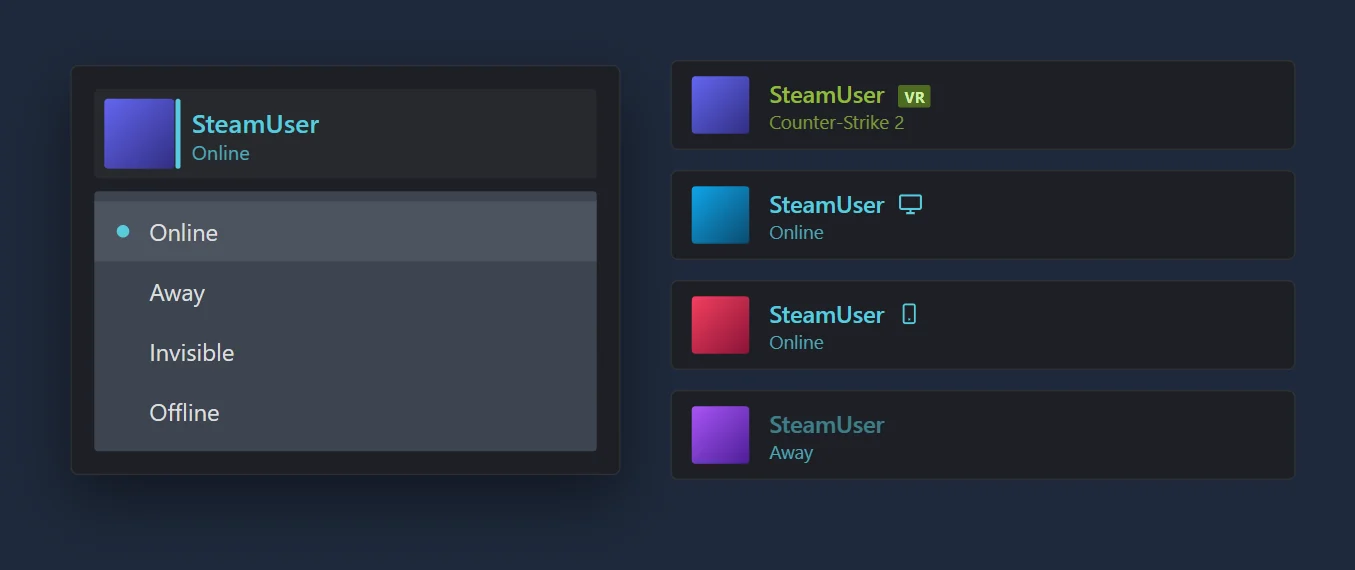
The VR, Big Picture and Mobile icons
These icons are not something you can pick in the Steam menu. Steam shows them automatically based on how you are using Steam:
- VR: shown while SteamVR is running with a headset.
- Big Picture: shown while Steam is open in Big Picture mode (the controller-friendly fullscreen mode, or a Steam Deck).
- Mobile: shown when you are signed in to chat through the Steam Mobile app.
So normally you need a VR headset to show the VR icon, and you need to keep Steam in Big Picture mode for the Big Picture icon.
How to show VR or Big Picture without the hardware
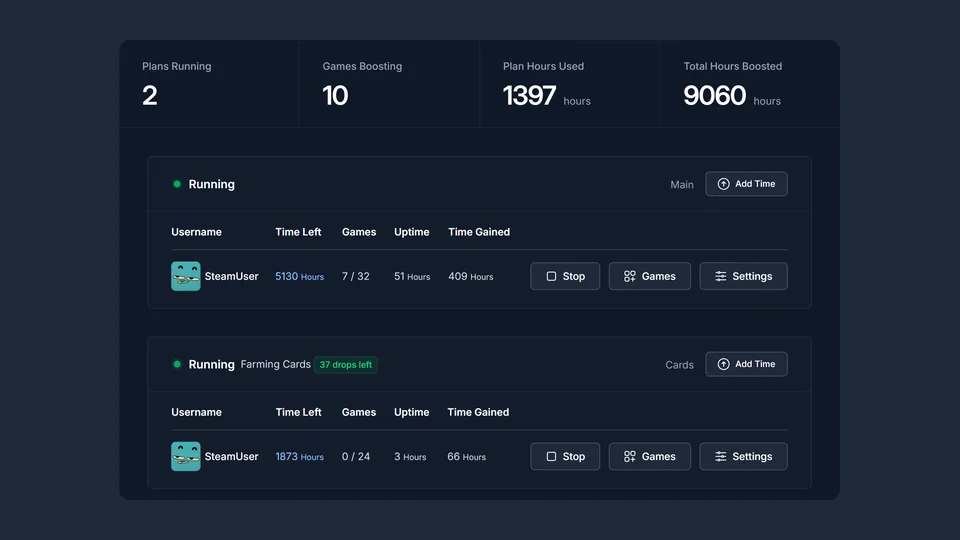
FreeHourBoost's Appearance setting lets you choose how you show up on Steam while your plan is running, including the VR, Big Picture and Mobile icons, or Away and Offline. No headset or Big Picture mode needed.
- Create an account and add your Steam account to a plan.
- In the plan settings, open Appearance and choose your status (Online, Away or Offline) and your display mode: Normal, Play Together, Mobile, Big Picture or VR.
- Start the plan. Friends will see the status you picked while your hours keep going up.
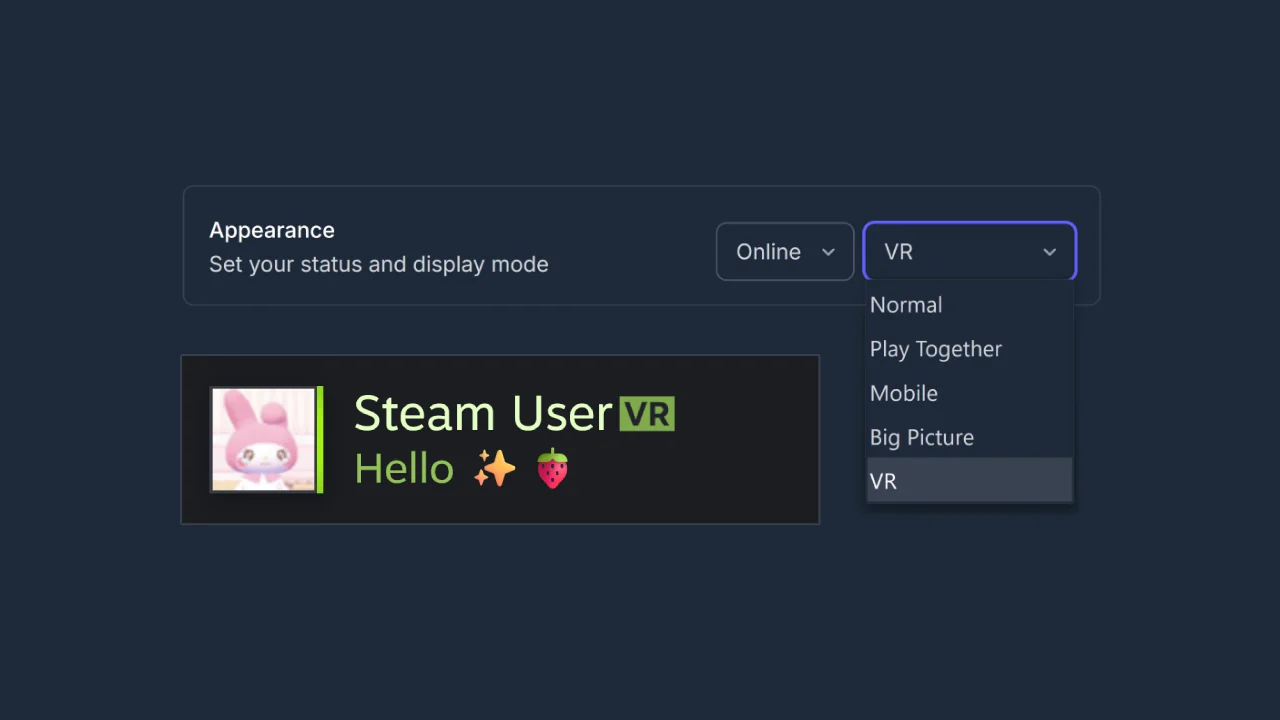
Appearance is included on all paid plans.
Good to know
- If you start Steam on your PC and play a game yourself, your normal Steam status takes over until you are done.
- Choosing Offline lets you keep boosting hours without friends seeing you online.